How Do I Reorder Keys In WordBoard?
You can reorder your keys in WordBoard from Edit mode.
- On the Keys tab tap Edit.
- Touch and hold the handle (☰) on the right of a key and drag it to its new place.
- Tap Done.

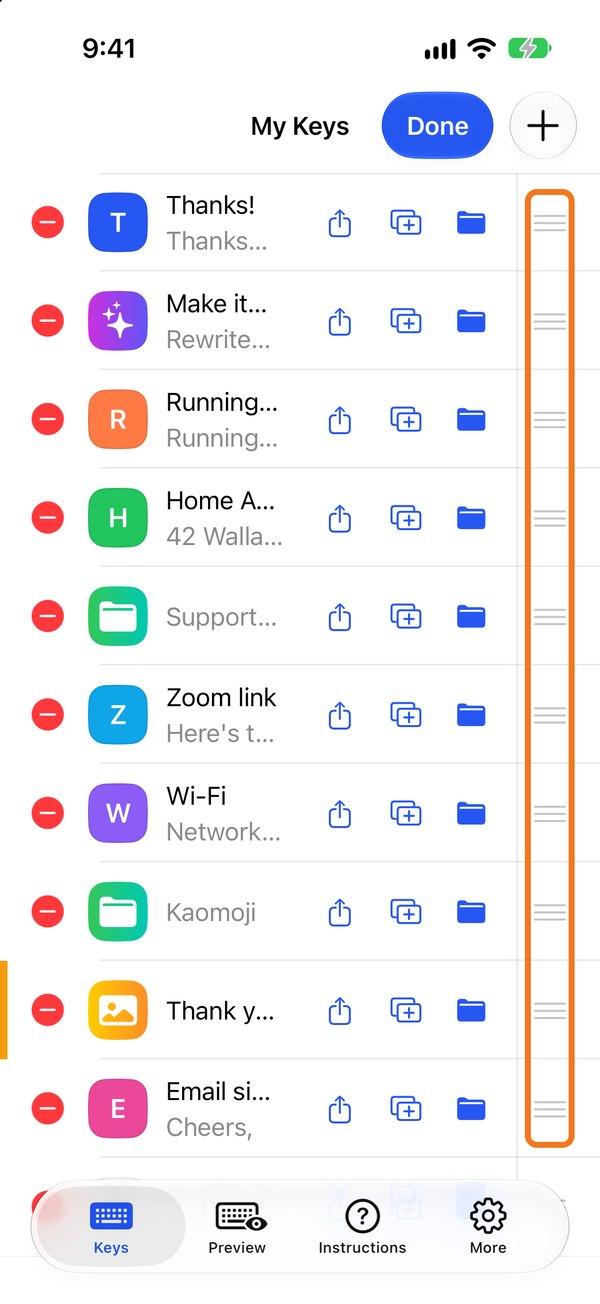
Reordering is part of WordBoard Pro. It also works inside folders.
Reordering is turned off while you're searching. Clear the search box first.