How Do I Add Keys To WordBoard?
Here's how to add keys to WordBoard, from the app or straight from the keyboard.
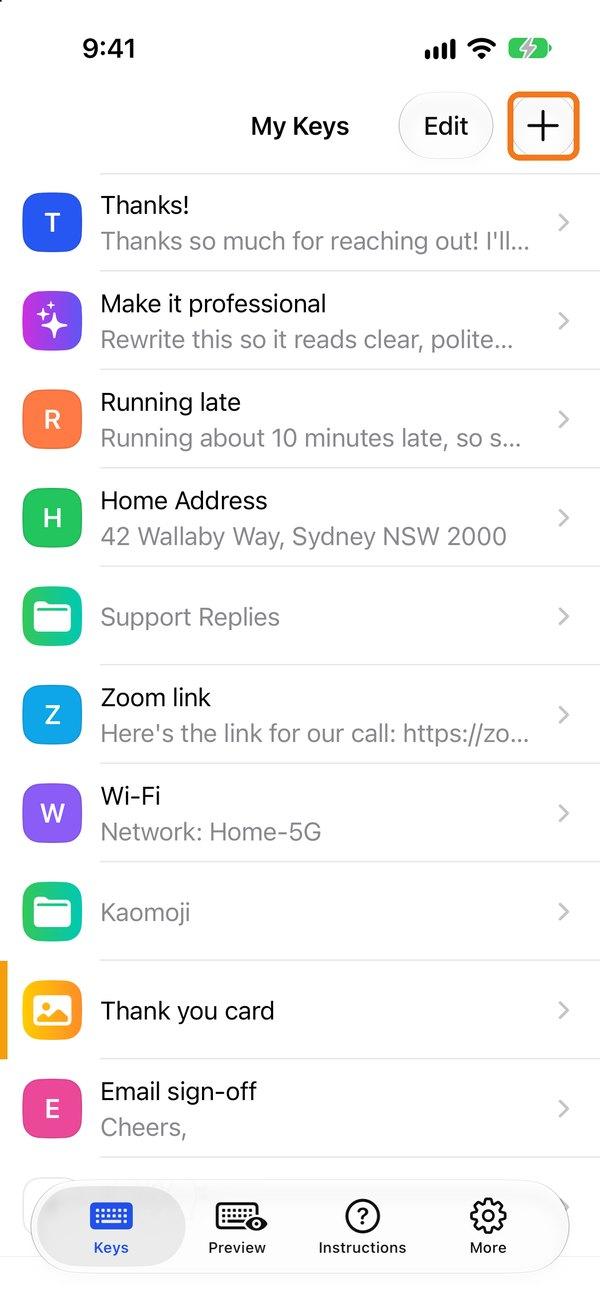
- On the Keys tab, tap + in the top right.
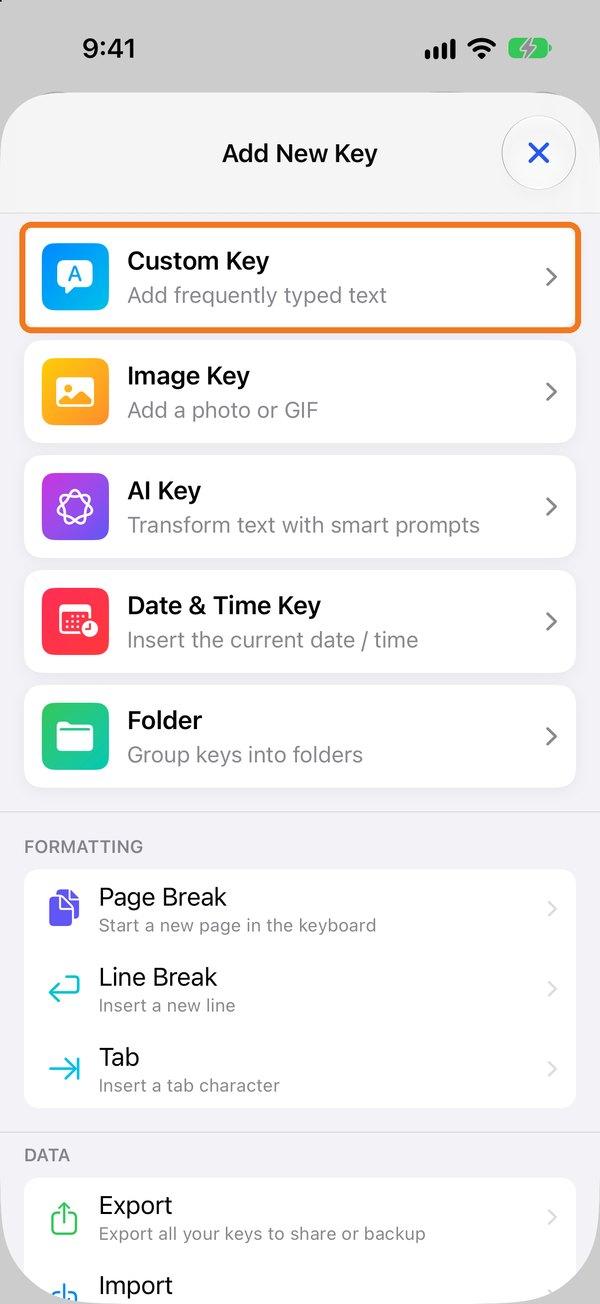
- Choose what to add: Custom Key, Image Key, AI Key, Date & Time Key or Folder. You can also add a Line Break, Tab or Page Break.
- Type the Phrase you want the key to type. Optionally add a Title (shown on the key), a Color, a photo, or variables. Switch the Phrase to Formatted for bold text, links and bullets.
- Tap Save.
The preview at the top of the editor shows how the key will look on the keyboard.

You can also add keys straight from the keyboard. Here's how.
The free version includes up to 6 keys. WordBoard Pro gives you unlimited keys and folders.
Have lots of keys to add? Import them in bulk.