How Do I Import Keys Into WordBoard In Bulk?
You can import lots of keys into WordBoard at once, from a list, TextExpander, a contact and more.
- On the Keys tab tap +.
- Scroll down and tap Import.
- Choose where to import from.
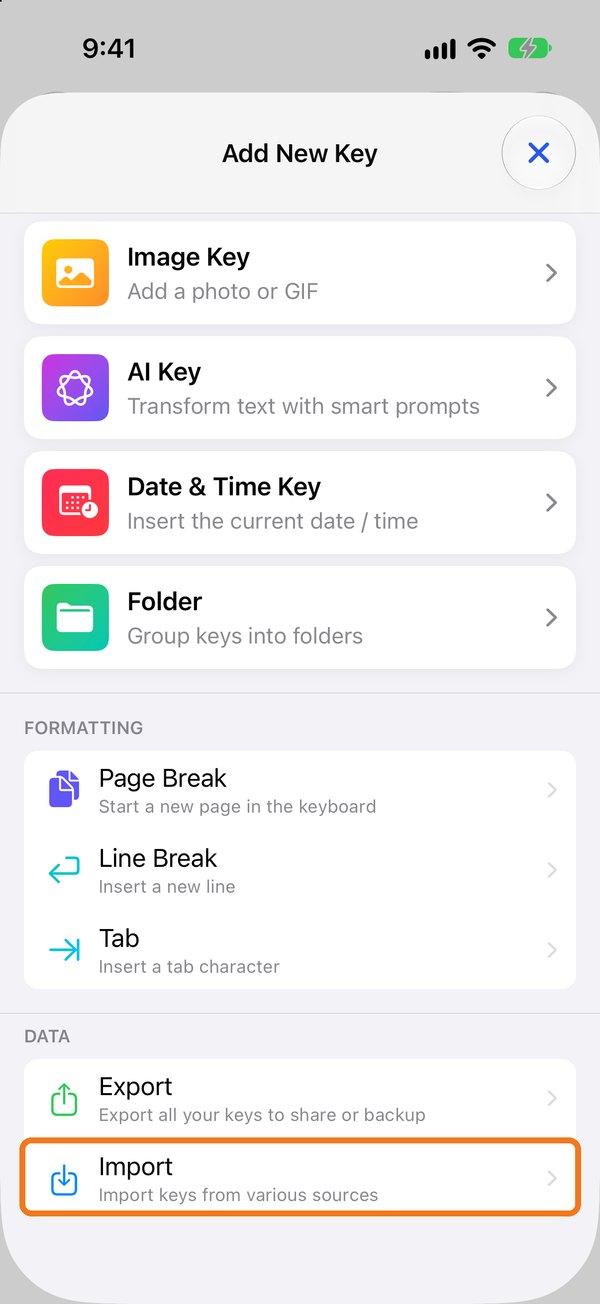
Import options
- From Clipboard or Bulk List: one key per line. To give a key a title, add it after a bar:
Thanks for getting in touch! | Thanks - From TextExpander: import a TextExpander export (.csv or .textexpander file).
- Contact: makes keys from a contact's email addresses, phone numbers and addresses.
- Common Kaomoji and Fun Emoji Combos: ready-made packs.
Importing is part of WordBoard Pro. Imported keys are added to the folder you're in.