Restoring Purchases on 7 Minute Workout
If you've bought 7 Minute Workout Pro (a subscription or Lifetime), you can restore it for free on any iPhone or iPad signed in to the same Apple Account.
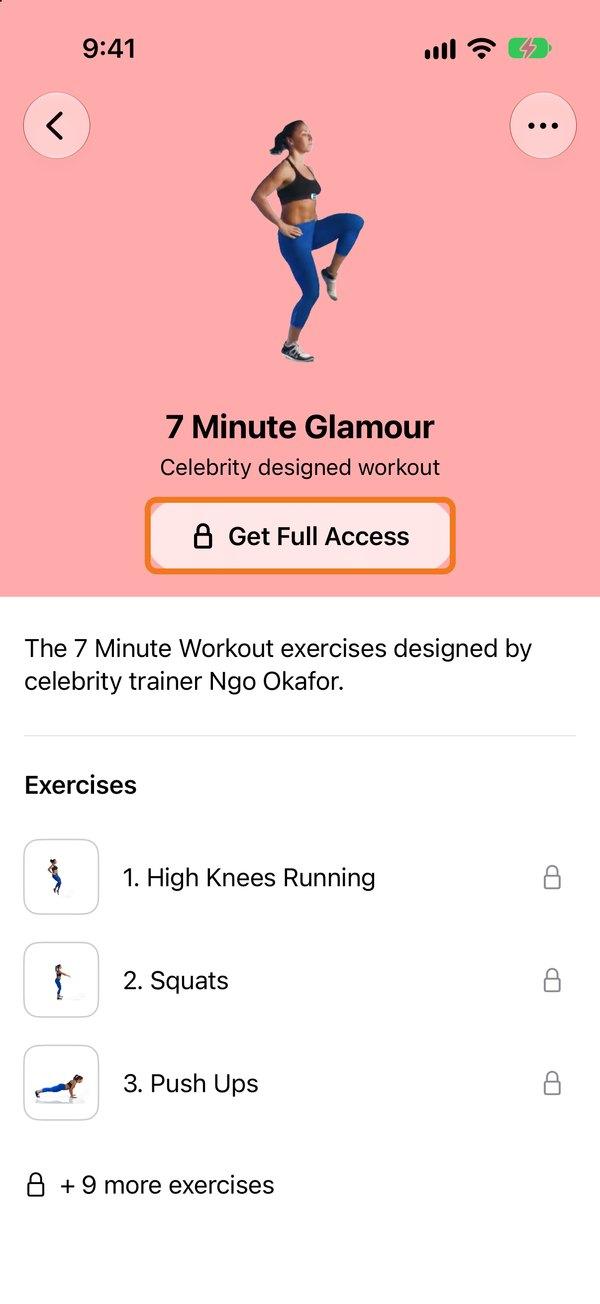
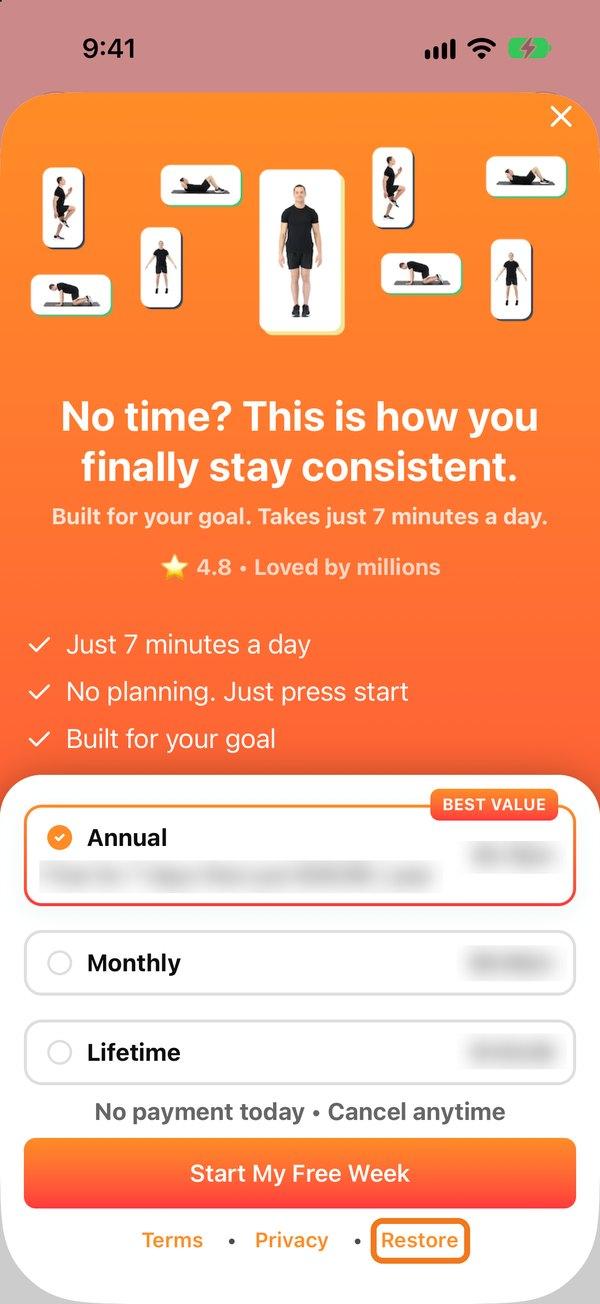
- Open the upgrade screen. For example, tap a workout with a lock and then Get Full Access, or tap Try out Pro on the Workouts tab.
- Tap Restore at the bottom of the screen.
Apple TV: go to Settings → Restore Purchases.
If you see that no purchase was found, check you're signed in to the Apple Account you bought with. Your purchases are listed in the Settings app → [your name] → Media & Purchases → View Account → Purchase History.
Family members can restore too. More about Family Sharing.
Need to cancel or get a refund? Read this.