How Do I Delete Keys In WordBoard?
Here's how to delete one key, or all of your keys, in WordBoard.
Delete one key
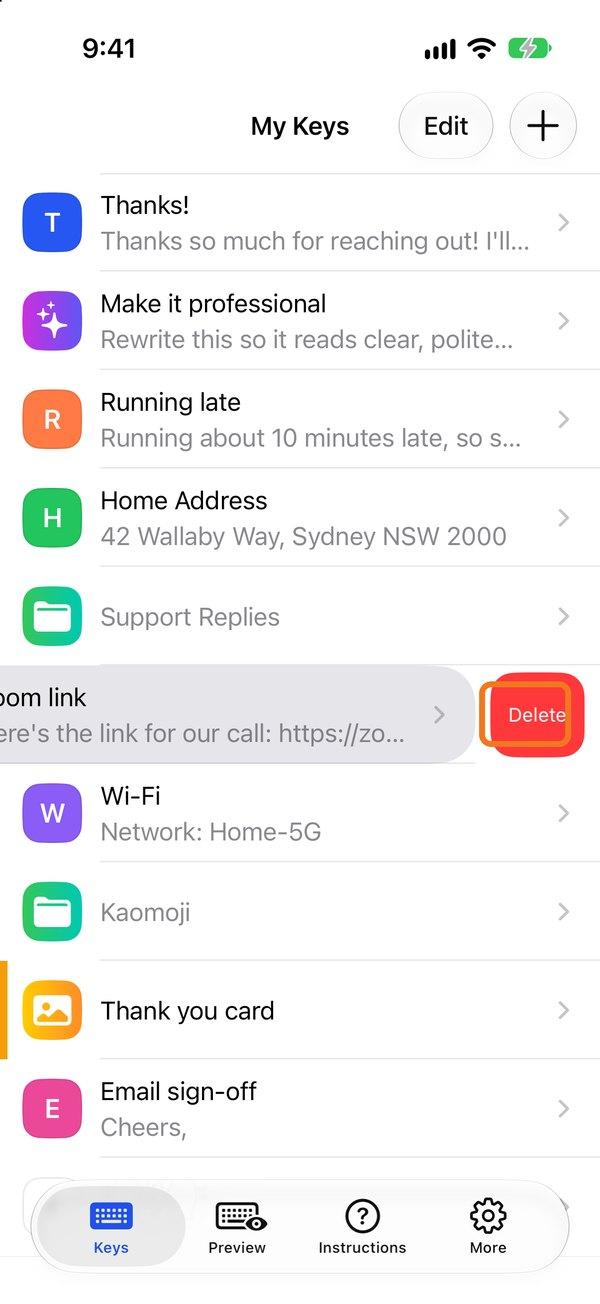
On the Keys tab, swipe left on a key and tap Delete.
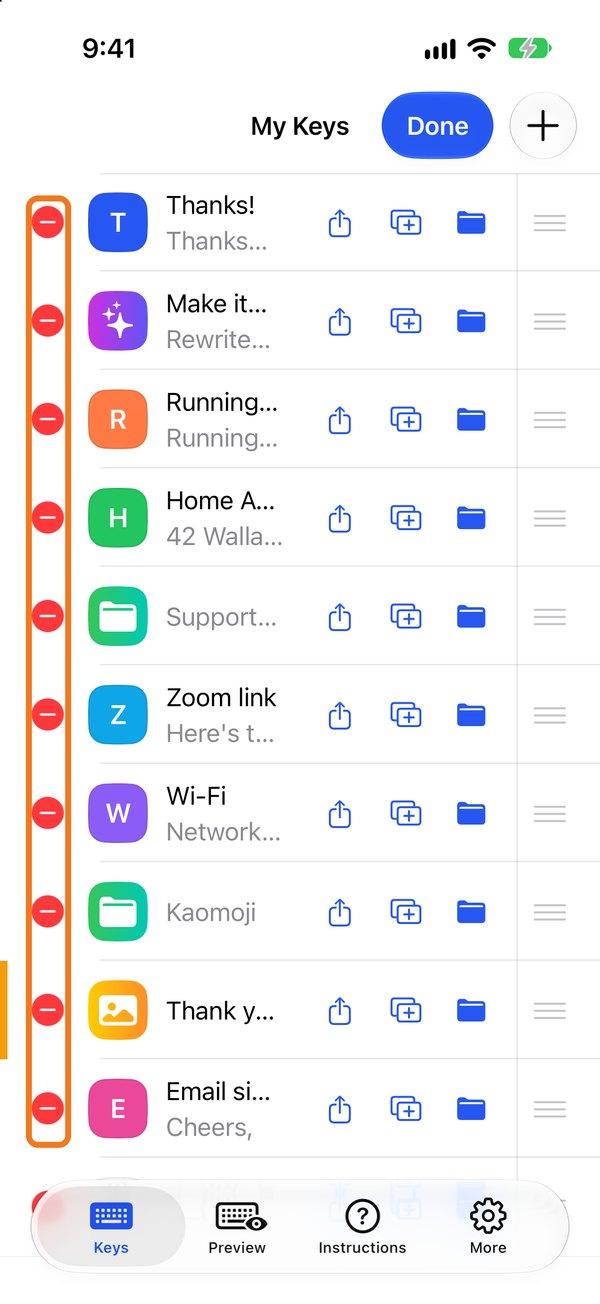
With WordBoard Pro you can also tap Edit and use the red minus buttons.
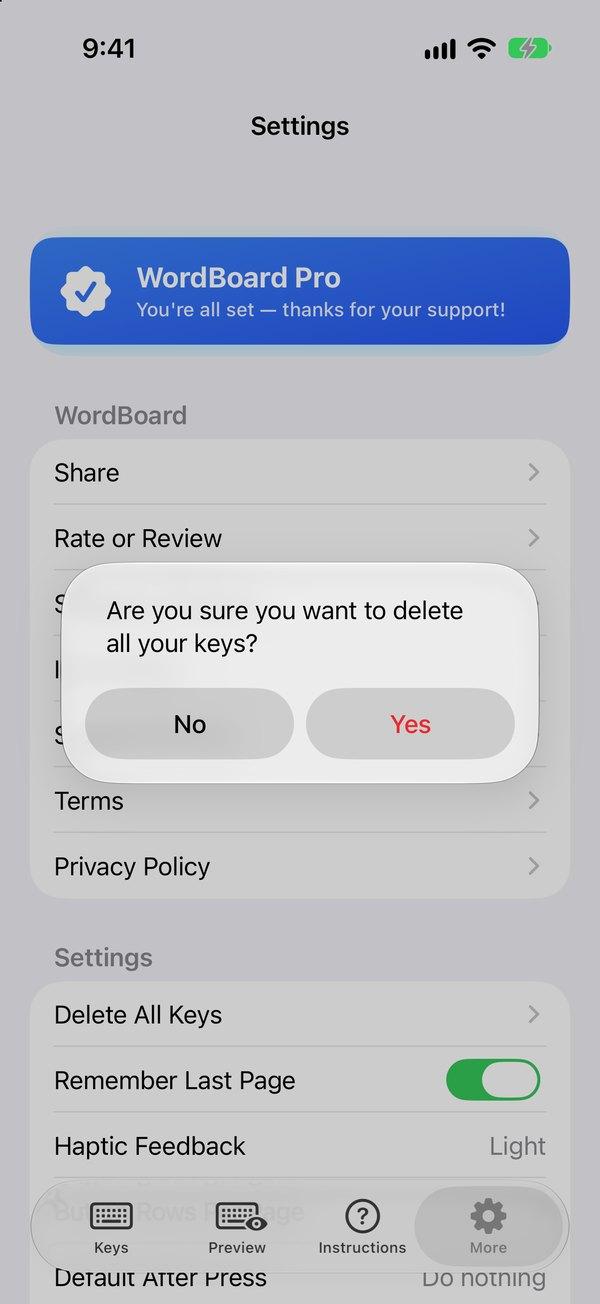
Delete all keys
Go to More → Delete All Keys. This can't be undone, so check you have a Cloud Backup first.