How To Use Photos And GIFs In WordBoard
WordBoard can save photos and GIFs as keys, so you can paste them into any app.
Add an image key
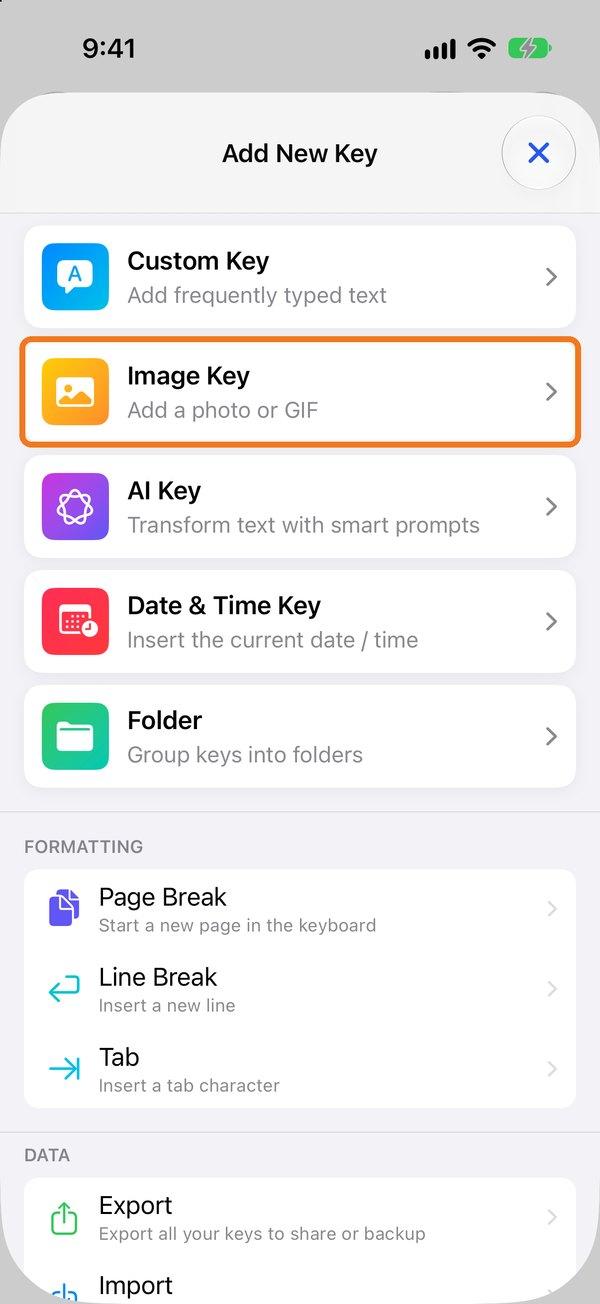
- On the Keys tab tap + and choose Image Key.
- Tap Add Photo and pick a photo or GIF. GIFs stay animated.
- Tap Save.
Use it
Tap the key in the WordBoard keyboard. You'll see "Image copied to clipboard, paste away!". Then touch and hold in the text field and tap Paste.

Apple only lets keyboards type text, which is why images are copied for you to paste rather than inserted directly. If the key also has text, the text is typed too.
Tip: copy an image anywhere, then tap ⊞ in the WordBoard keyboard and choose Add Clipboard to save it as a key.